FMLA paperwork software for medical practices
DoctorPaperwork takes an FMLA certification from the patient's phone to a signed form the same day. Patients answer plain questions, the paperwork is drafted for your staff to check, and the doctor signs in one tap.
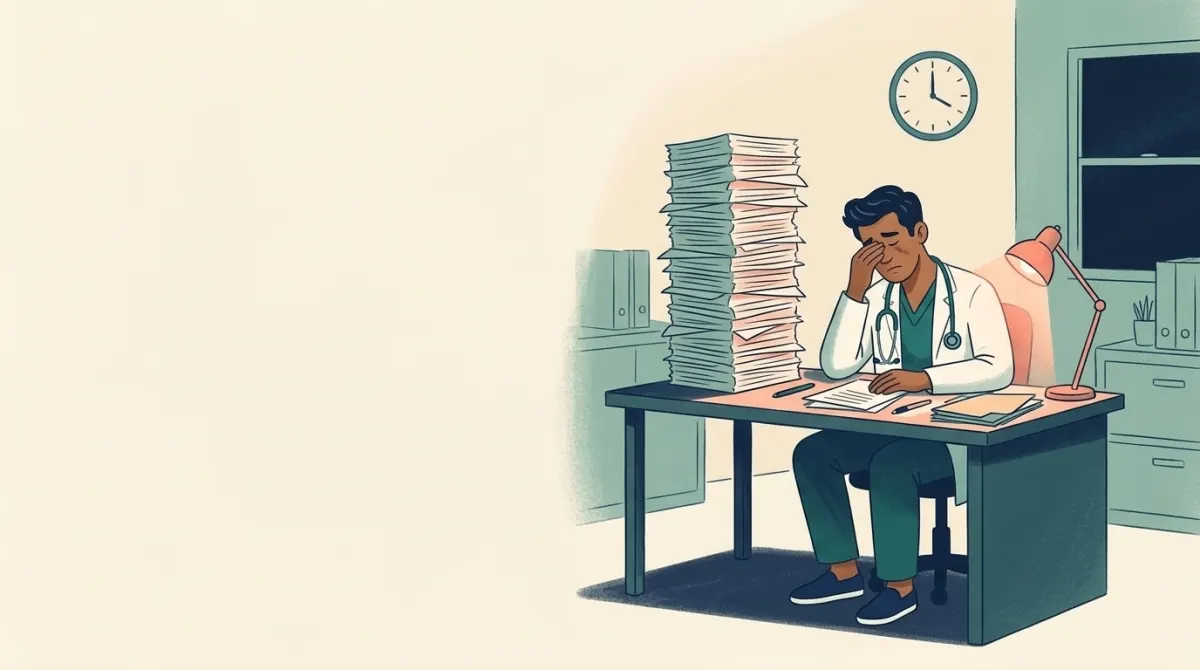
Why FMLA forms eat the afternoon
One certification can pass through a dozen hands before HR accepts it. These are the hold-ups practices tell us about most.
Phone tag
Patients call to ask where the form is. Staff call back to ask for the details the form needs.
Filled in by hand
Someone pulls the chart and copies dates, diagnoses and restrictions onto the form, line by line.
Waiting to sign
The stack sits until the doctor has a free moment, which is usually 7 pm.
Sent back
HR returns the form for one missing answer, and the whole loop starts again.
How it works
Three steps instead of fourteen hand-offs.
The patient answers on their phone
A text, email or QR code opens a short form. No account and no password. Plain questions in English or Spanish, about 10 minutes, and a photo of the employer's form if they have one.

Your staff check a drafted packet
The answers are drafted for you, with gaps flagged. Your nurse or front desk reviews the draft, fills anything missing and sends it to the doctor. Nothing reaches the doctor with a required answer left blank.
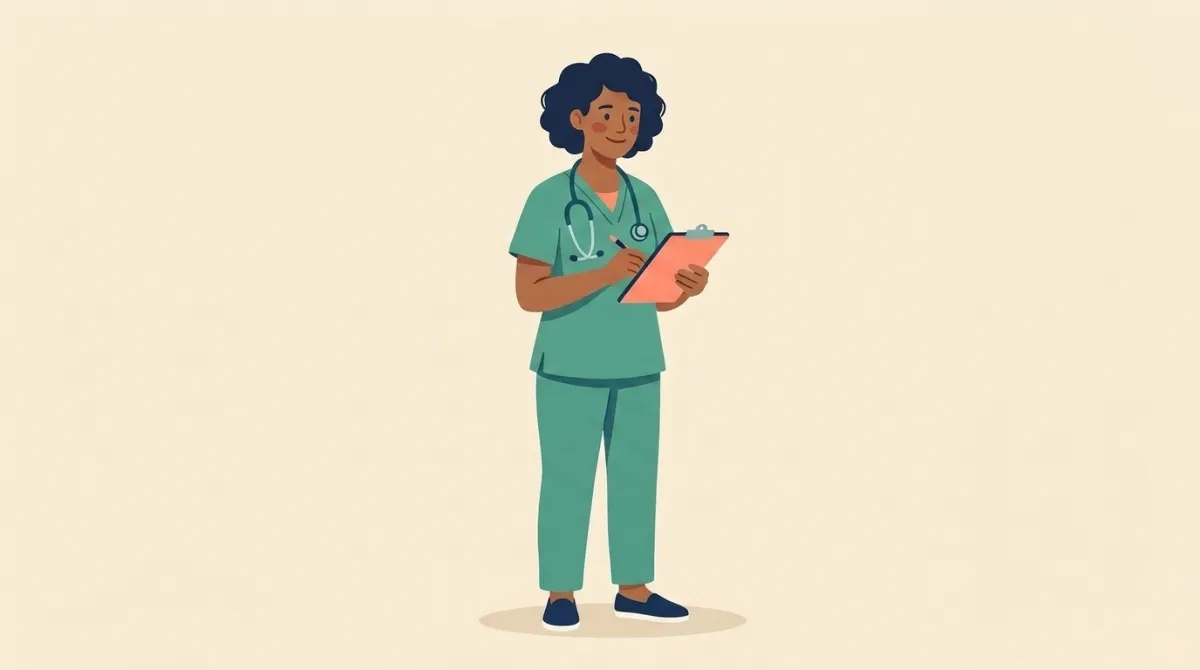
The doctor signs in one tap
The finished packet goes to the patient and the employer by secure link, fax or email. The patient gets a text or email saying it's done, so nobody calls to ask.
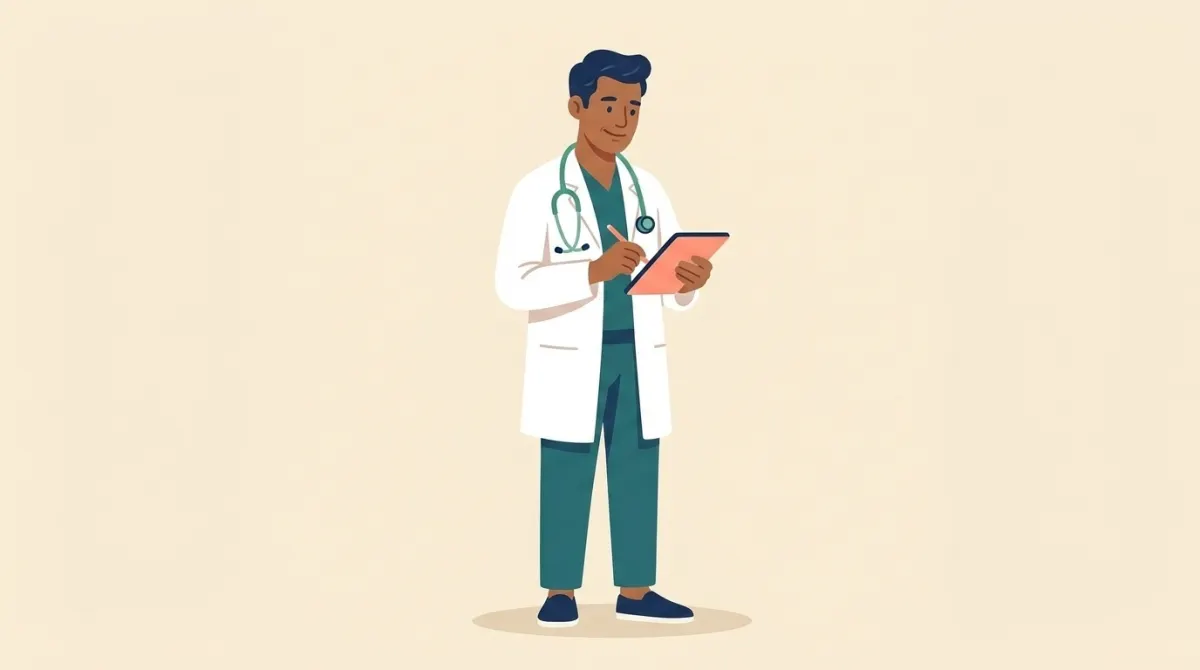
FMLA, and the forms that come with it
An FMLA request rarely arrives alone. The same intake covers the paperwork that usually travels with it, with due dates tracked.
- FMLA certification
- Intermittent leave
- Caregiver leave
- Short-term disability
- Long-term disability
- ADA accommodation
- Functional capacity
- Return to work
- The employer's own form
The employer's own form
Send a photo or PDF of the form HR handed the patient. We read it and draft every answer for your review. Fillable PDFs come back filled in.
When HR sends it back
FMLA rules give the patient seven calendar days to fix an incomplete certification. The patient reports it from the same link, and it goes straight to the doctor's signing screen with the days left shown.
What changes for each person
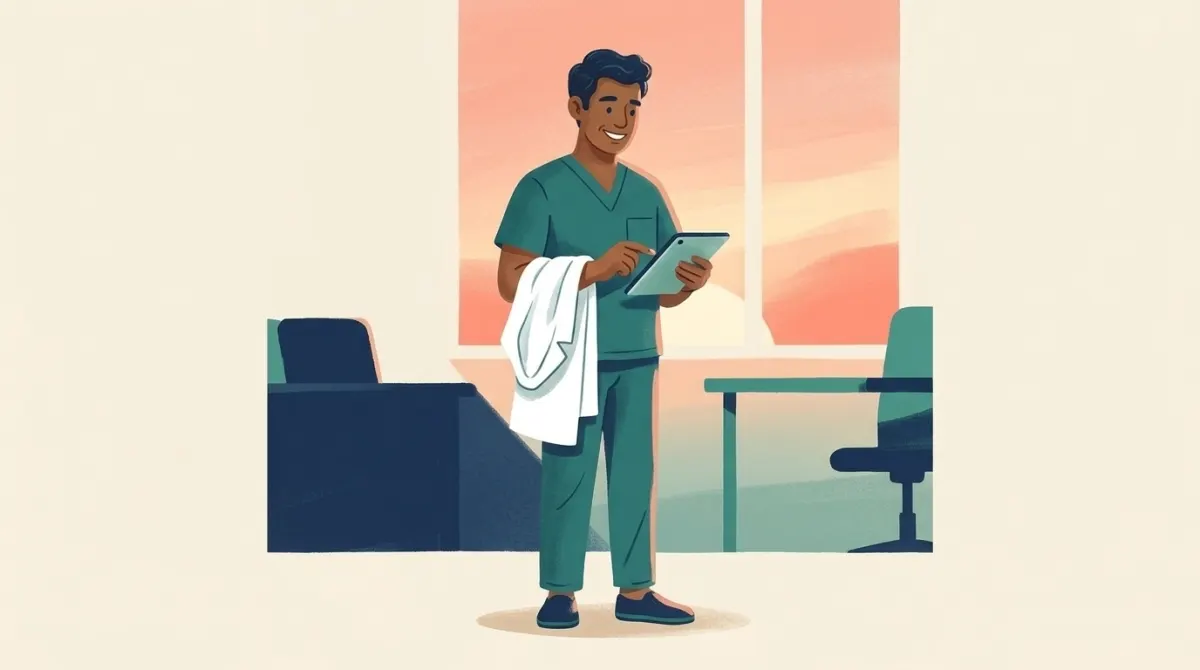
Signs a checked packet in one tap, before the last patient leaves.
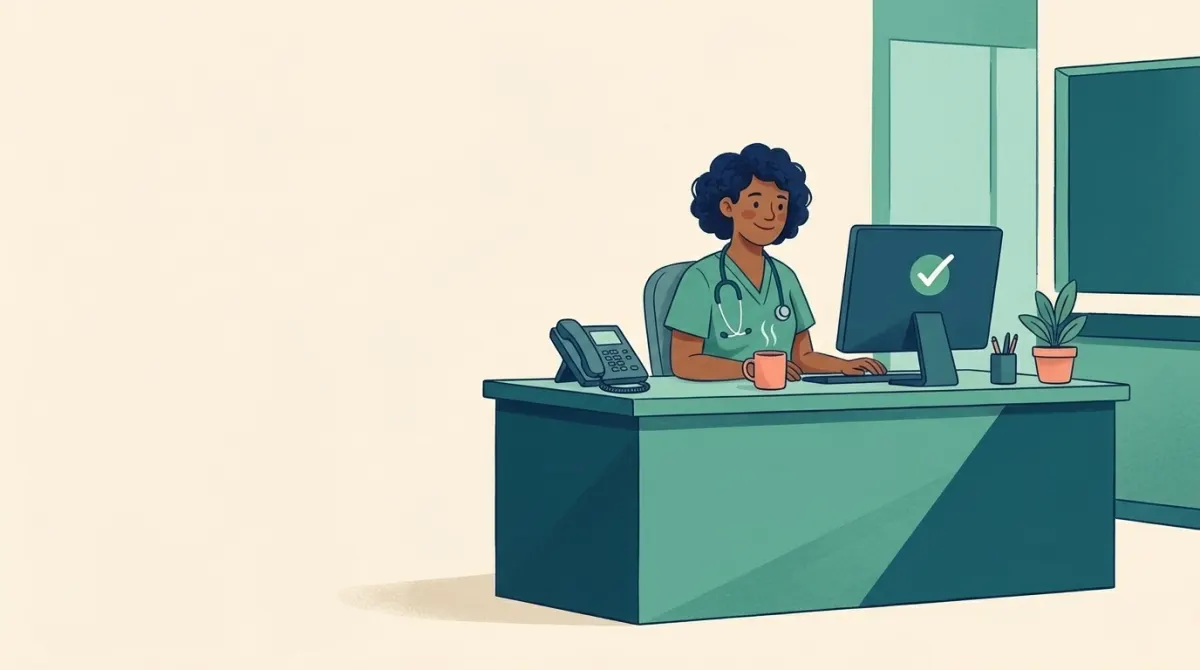
Reviews a draft instead of copying from the chart, and stops chasing calls.

Answers once on their phone and gets a message when it's done.
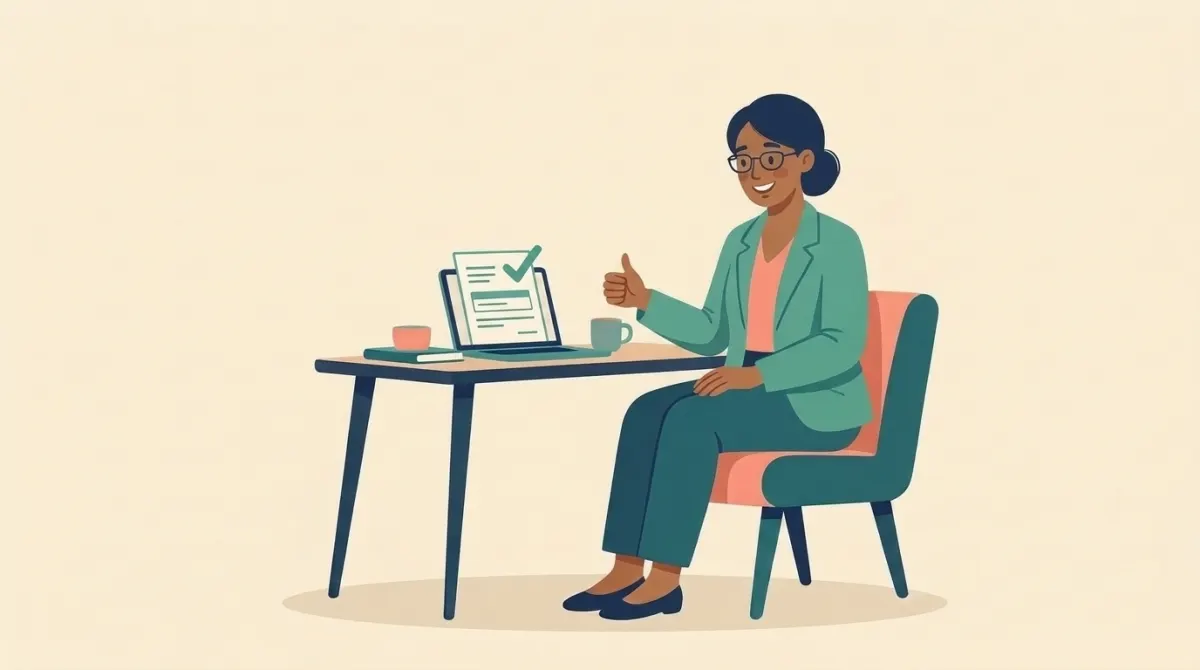
Gets a complete form, with fewer reasons to send it back.
The doctor stays in charge
The AI only prepares a draft. Your staff review it and only the doctor can sign. A signed packet can't be quietly changed. How we protect patient data →
FMLA questions practices ask
What is FMLA paperwork software?
Software that helps a medical practice complete the certification a patient needs for Family and Medical Leave: collecting the patient's details, drafting the medical answers for review, getting the doctor's signature and delivering the finished form.
Does the AI fill in the medical answers?
It prepares a draft, with gaps flagged. Your staff review it, and only the doctor can sign it.
What happens if HR sends the form back?
The patient reports it from the same secure link, with the date on the employer's notice. It goes straight to the doctor's signing screen with the days left to answer shown, so the fix goes out before the deadline.
Does it work with the employer's own FMLA form?
Yes. The patient sends a photo or PDF of the employer's form. We read it and draft answers for your review. Fillable PDFs come back filled in.
Do patients need an account?
No. They open a secure link from a text, email or QR code and answer on their phone, in English or Spanish.
Can we keep charging patients our own form fee?
Yes. If you charge patients a fee of your own, you keep all of it.
Give your evenings back to your doctors.
See a real case move from patient link to signed packet in a 20-minute walkthrough.